The ScamGator blog
What to Avoid When You Receive a Message from an Unknown Sender
Learn practical steps to spot, verify and safely handle suspicious messages from unknown senders, while keeping your personal information secure.
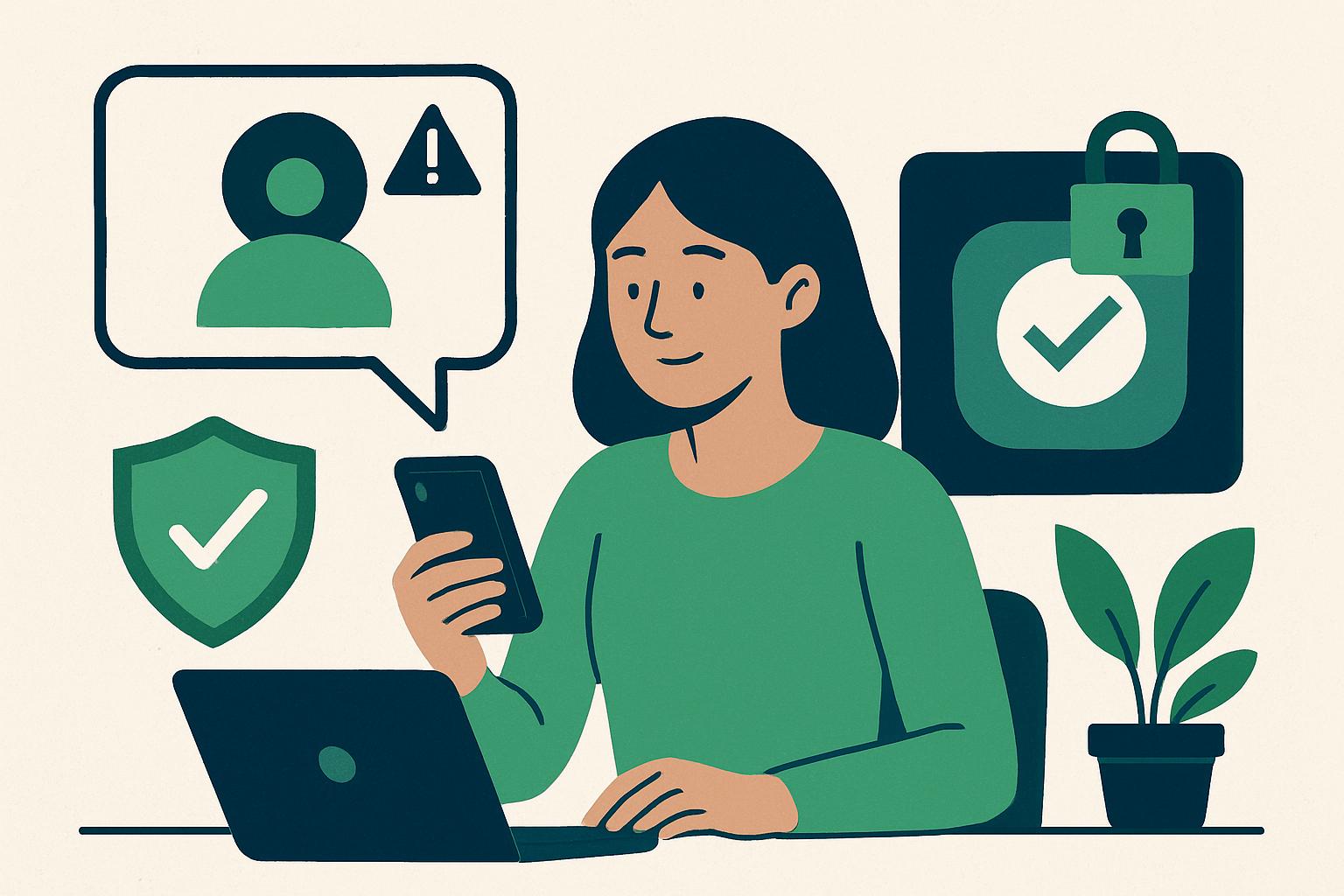
Take Immediate Precaution: Pause Before You Respond
When you receive a message from an unknown sender, by email, text message, or social media, your first action should always be to pause. Do not reply, click any links, download attachments, or provide personal information. Many scams and phishing attempts are designed to prompt a quick reaction, often using urgency or threats to pressure you into acting without considering the consequences.
Identify Warning Signs in Unfamiliar Messages
Suspicious messages often contain several warning signs. These can include:
- Unfamiliar sender addresses or numbers
- Misspelled names or companies
- Spelling and grammar mistakes
- Poorly formatted logos or images
- Requests for urgent action, such as verifying your identity immediately
- Threats of account closure or negative consequences
- Unusual requests for personal or financial information
Warning sign: You receive a text saying, "Your bank account is locked! Click here to verify your details within 24 hours or your funds will be frozen."
Safer action: Do not click any links or reply. Instead, contact your bank directly using the official contact details found on their website.
Always Verify Using an Independent Source
Even if the message appears to come from an organization you recognize, do not use any contact information or links provided in the suspicious message. Independently find the official website or phone number yourself.
If the message claims to be from your bank, utility company, or another service, look up their official contact details through your browser. Reach out directly to ask about the message. Most organizations will confirm whether an unexpected message is legitimate, and they will not pressure you to act through unsolicited messages.
Warning sign: An email claims to be from your email provider, requesting you to "confirm your username and password to avoid losing access."
Safer action: Do not click or reply. Visit your provider's official site directly or call their support number to check your account status.
Stop All Contact With Suspicious Senders Safely
If you suspect a message might be a scam, do not engage further. Block the sender if your email, messaging app, or phone allows it. Delete the message after noting any important details (such as the sender address) if you wish to discuss it with your financial institution or community members for awareness.
Do not attempt to confront the sender, responding may increase your risk of being targeted further or having your contact details shared with others.
Guard Your Personal Information At Every Stage
Never send passwords, account numbers, personal identification numbers, or other sensitive information over email, text, or direct message to someone who contacts you unexpectedly. Legitimate organizations rarely ask for confidential information in this way without prior arrangement.
Warning sign: A message congratulates you on winning a prize and asks for your address, government-issued ID, and bank account details for verification.
Safer action: Avoid replying and research the organization or promotion independently. Most legitimate organizations do not request such personal data by unsolicited message.
What If You Might Have Shared Sensitive Information?
If you clicked a link, entered personal details, or suspect you have exposed sensitive information, act quickly. Contact your financial institution or relevant company directly to alert them, monitor your accounts for suspicious activity, and consider changing your passwords. Acting promptly gives you the best chance to minimize risk.
Stay Informed and Share Knowledge
Community discussion spaces can be helpful for sharing experiences and receiving guidance, but always protect your privacy, never post your own account numbers, login credentials, or other sensitive details on public forums. If you have questions about suspicious messages, discussing general warning signs can help everyone stay safer.
Learning to pause, recognize warning signs, verify independently, and protect your information gives you stronger defenses against scams.
Visit the ScamGator community to discuss scam awareness. Do not post private account details or personal information.
Visit the community