The ScamGator blog
Taking a Pause: Why Slowing Down Matters When Faced With a Suspicious Browser Pop-Up
Moving slowly when a suspicious browser pop-up appears can protect your information and help you avoid mistakes. Learn which signs to watch for.
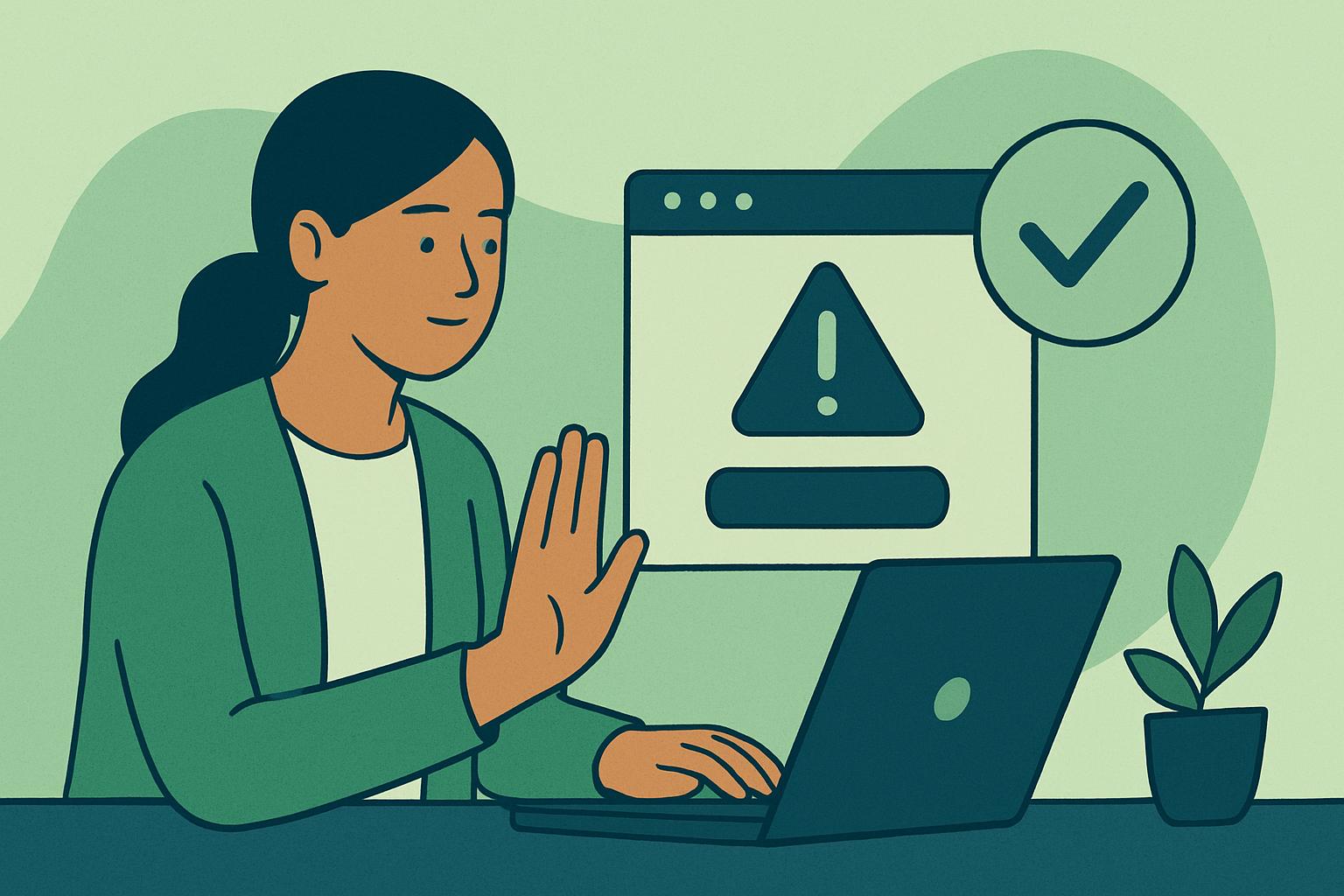
Start With Immediate Action: Don’t Rush to Click If a suspicious browser pop-up appears, your first step should always be to pause for a moment. Scare tactics and urgent demands are commonly used to make you act without thinking, whether the pop-up claims your device is infected or that your account will be blocked. In such situations, taking a deep breath and slowing down can help you avoid a costly error. Instead of immediately clicking any button or link, close the pop-up safely. Try pressing the Escape key or closing the browser window. If you feel unsure, you can power off your device and restart it.
How to Spot the Warning Signs Suspicious pop-ups often display certain warning signs. These include urgent language demanding immediate action, poor spelling and unusual grammar, or low-quality images and logos that do not match the organization they claim to represent. They might claim your device is compromised, threaten consequences, or ask for sensitive information such as passwords or payment details. Sometimes, pop-ups mimic legitimate sites, hoping you will not notice minor differences in design or web address.
Warning sign: A pop-up flashes with the message, "Alert! Your bank account is locked. Click here now to unlock or risk permanent suspension."
Safer action: Do not click the link. Instead, go directly to your bank’s website by typing the address in your browser or use the official banking app. Contact your bank through contact details you trust.
Why Scammers Want You to Rush Scammers often create a sense of urgency so you will respond before thinking. They may use countdown timers, threats of account closure, or alarming warnings about viruses. The goal is to make you react emotionally, not logically. Slowing down gives you time to notice inconsistencies, misspelled words, or suspicious requests. Taking a moment to review can help you decide if the message truly makes sense.
Warning sign: The pop-up says, "Your computer will be reported unless you pay a fee within 10 minutes."
Safer action: Legitimate organizations rarely communicate through pop-ups or demand immediate payments. Close the pop-up and seek independent confirmation if you are concerned.
Independently Verifying the Pop-Up’s Claims Before responding to any request for information or payment, verify the message directly with the organization it claims to represent. Avoid using phone numbers, links, or emails provided in the pop-up itself, as these may connect you to a scammer. Use a trusted method to reach the organization: search for their official website or phone number yourself, or use the contact method you normally rely on. Explain what you saw and ask if it was a genuine message.
Warning sign: The pop-up displays your device brand logo and requests your login password to resolve a supposed security issue.
Safer action: Do not provide any information. Use a different device to look up official support contact details and reach out. Ask them directly if the pop-up is legitimate.
How to Stop Contact Safely Interrupting contact with a suspicious pop-up is important. Avoid clicking any links or providing requested information. Simply close the pop-up or your browser. If you feel unsure, restart your device. You can clear your web browsing data or run an up-to-date security scan using tools you already trust. If the pop-up reappears often, consider seeking help from someone familiar with device safety, without sharing personal details.
Protecting Your Personal Information Never enter passwords, banking details, or other sensitive information into an unfamiliar pop-up, even if it appears to come from a trusted source. Most legitimate organizations do not ask for such information through sudden browser pop-ups. If you have already entered information and now suspect the pop-up was suspicious, promptly contact your financial institution through their official website or phone number. Explain the situation so they can help you protect your account. Acting quickly can help limit further issues.
Slowing Down Is a Habit, Not a Failure It’s natural to feel uneasy or worried when a pop-up signals a problem. Remember, even careful people can be caught off guard by a convincing scam. Taking a moment to pause and review the warning signs helps protect your information, your finances, and your peace of mind. If you wish to talk through what you saw, communities that discuss online safety can be resources, just never post your personal or financial information in public forums.
Learning to slow down and verify is not about blaming anyone who has acted quickly, but about helping everyone become better prepared for the next suspicious message.
Visit the ScamGator community to discuss scam awareness. Do not post private account details or personal information.
Visit the community