The ScamGator blog
Steps to Safely Verify Messages with Deadlines and Threats
Learn practical steps to independently verify urgent messages with threats or deadlines, recognize warning signs, and stay secure online.
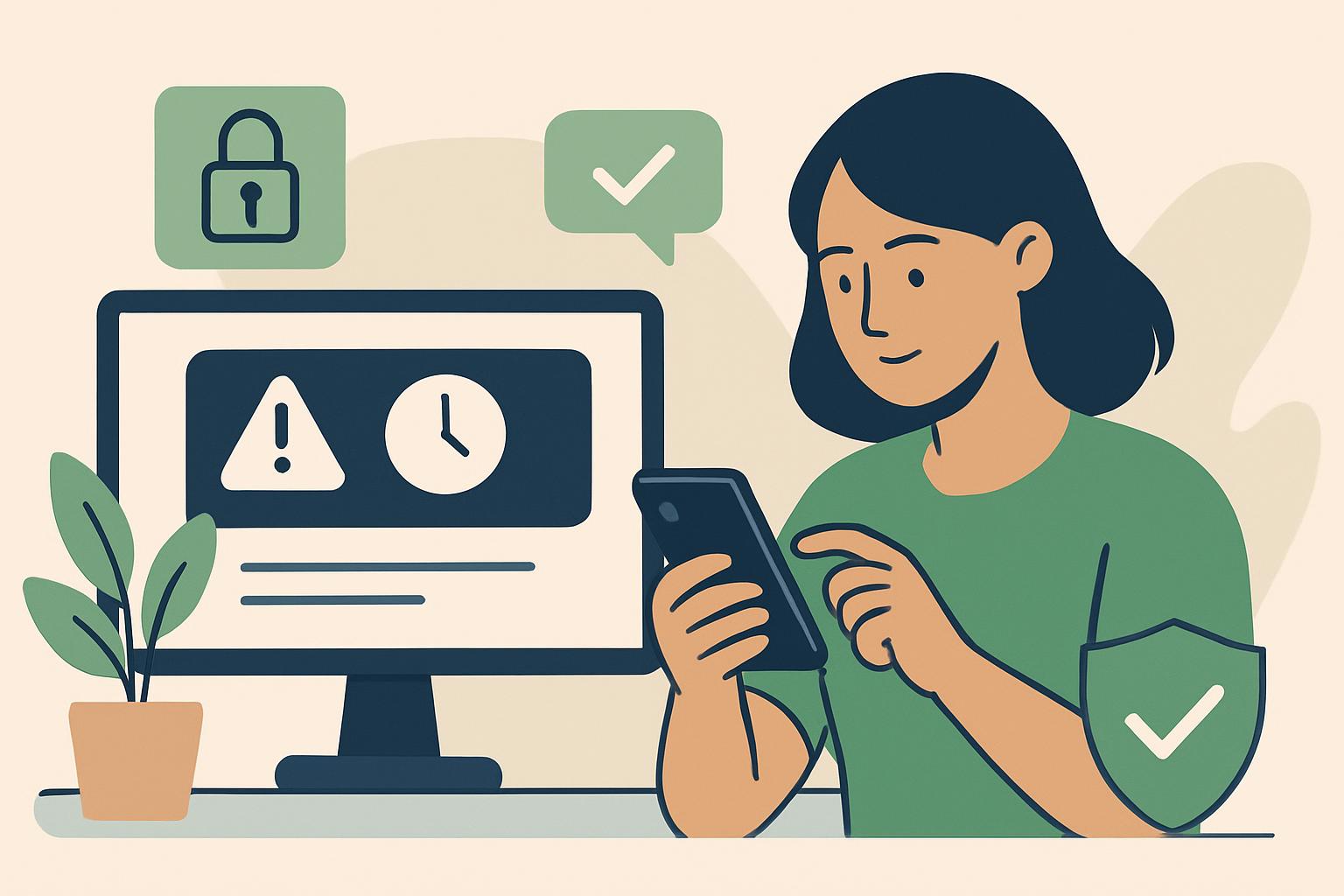
Take a Pause Before Responding If you receive a message warning of consequences if you don’t act quickly, it’s normal to feel anxious. Messages claiming your account will be locked, your information is at risk, or legal action is pending often use urgency to cause panic and prompt a quick response. The most important step is to pause and avoid acting immediately. These situations require careful verification before sharing information or clicking any links.
Recognize Common Warning Signs Scam messages with threats and deadlines often include several warning signs. These may be requests for immediate action, language that tries to intimidate or scare you, spelling or grammar mistakes, blurry logos, unfamiliar email addresses, and requests to use only the links or numbers they provide. Even if a message looks official or uses the name of an organization you know, always be cautious when urgency or threats are involved.
Warning sign: “Your account will be permanently locked in 24 hours unless you verify your identity using the link below.”
Safer action: Pause and review the sender’s address and the content carefully. Do not click on any links or download attachments.
How to Independently Verify a Message To confirm whether a message is genuine, never use the contact information, links, or phone numbers included in the message itself. Instead, go directly to the official website of the organization by typing the address into your browser or using a saved bookmark. Look for contact details published on their legitimate website, such as a public customer support number or contact form. Reach out and describe the message you received, and ask if the request and deadline are genuine.
Warning sign: An email arrives from “support@bank-alert.com” stating you must update your details or your account will be restricted.
Safer action: Ignore any links in the email. Visit your bank’s official website or call the public support line listed there to ask about the message.
Stop Contact Safely and Avoid Sharing Personal Information If you suspect a message is not legitimate, do not reply, click links, or provide any personal information, passwords, or payment details. Close and delete the message. Avoid continuing the conversation, and do not try to test or engage with the sender. Communicating with a potential scammer can increase your exposure to risk. No matter how convincing or threatening the message seems, responding could reveal personal information or confirm your contact details.
Why Threats and Deadlines Demand Extra Caution While not all urgent notifications are scams, deadlines and threats are warning signs that must always be verified independently. Genuine organizations typically do not demand immediate action from unsolicited messages, especially for sensitive requests. If you feel pressured or uneasy, give yourself time to consider your next steps. Scammers rely on people acting quickly without thinking. Taking a pause is one of the best ways to protect yourself from these tactics.
Warning sign: A supposed law enforcement message says you owe a fine and must pay within 2 hours to avoid legal consequences.
Safer action: Do not reply or pay. Contact the relevant organization directly using numbers from their official website or public listings.
Protecting Your Accounts and Financial Information If you think you may have shared information in response to a suspicious message, promptly contact your bank or the organization involved using trusted contact details. They can guide you on steps such as updating passwords or monitoring accounts. While assistance may be available, acting quickly gives you the best chance to prevent or limit loss. Reporting suspicious messages through proper channels can also help organizations warn others.
Discuss and Learn in the Community Some online communities offer a space where members can share experiences and discuss how to stay safe, but always avoid posting sensitive personal data. Sharing your story can help others, but protecting your privacy remains important.
Conclusion When faced with a message containing a threat or deadline, trust your instincts and take time to verify independently. Look for warning signs such as urgent language, unfamiliar contact information, and demands for personal details. Never use contact details from the message itself. Instead, use a search engine or a trusted bookmark to find the official site and check directly with the organization. Protecting your information and stopping communication with suspicious senders are important steps in staying safe online.
Visit the ScamGator community to discuss scam awareness. Do not post private account details or personal information.
Visit the community