The ScamGator blog
Responding Safely to Suspicious Charity Requests: Fictional Examples and Practical Steps
Learn how to recognize warning signs in charity messages, safely verify requests, and protect your information with practical, source-supported guidance.
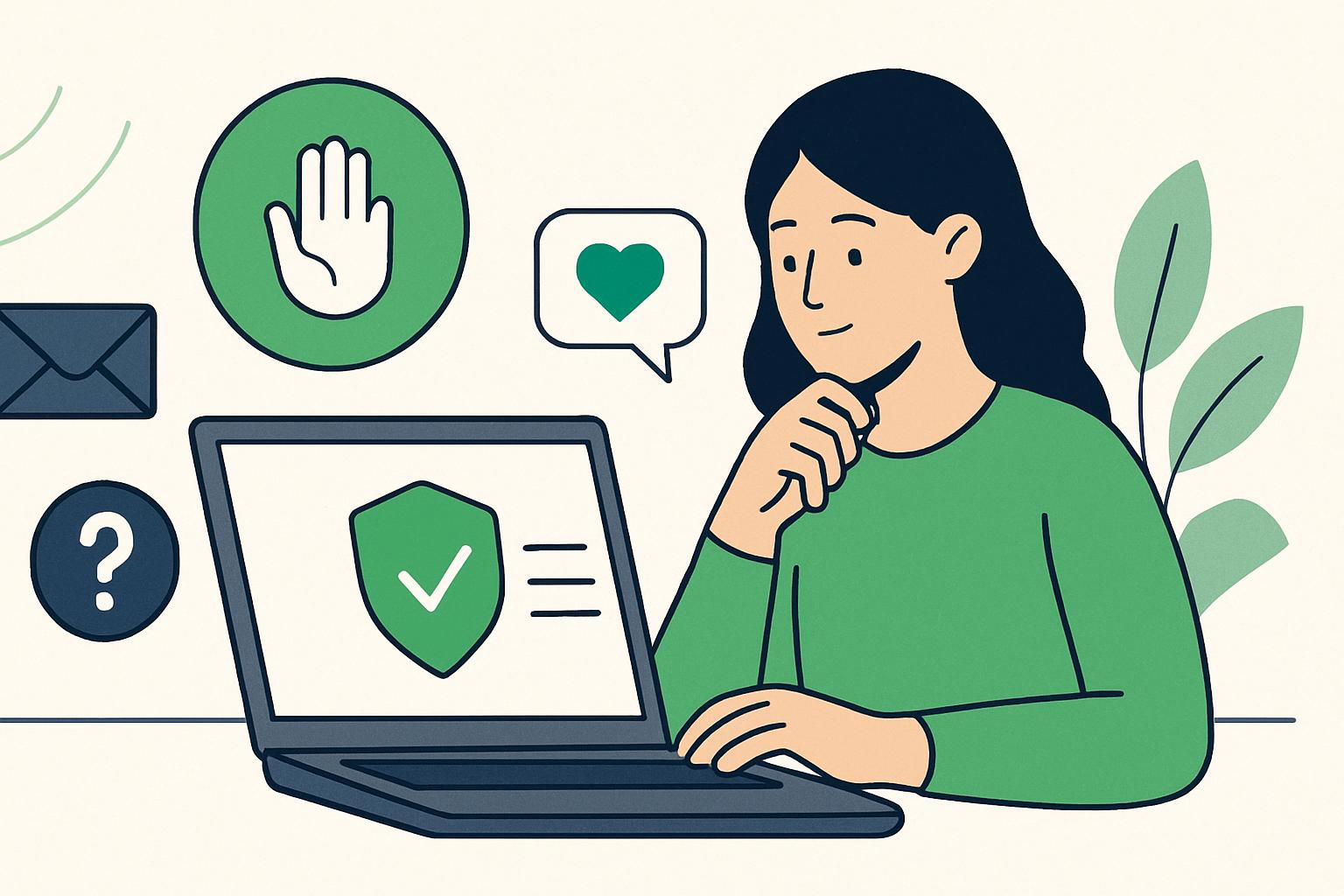
Take Action Carefully with Any Unexpected Charity Request When you receive an unexpected request for a donation by email, text, or direct message, it is important to pause before responding. Do not rush to provide personal information or payment details. Treat every request for a charitable donation, especially those that come unexpectedly or create a sense of urgency, as a reason to step back and verify.
Common Warning Signs to Look Out For Suspicious charity messages often mimic reputable organizations but may show certain warning signs. Some examples include: - Urgent or emotional language pressuring you to act quickly or suggesting serious consequences if you do not help - Requests for personal, financial, or account information - Spelling errors, grammar mistakes, or poor-quality logos - Unfamiliar sender addresses or phone numbers - Unusual instructions, such as being told to respond only through a specific link If you notice even one of these signs, the safest option is not to respond until you independently verify the request.
Fictional Examples: Warning Signs and Safer Actions The best way to recognize and react to suspicious messages is by seeing how warning signs might look in practice. Here are three fictional examples of charity requests, each followed by a safer response:
Warning sign: You receive a text message that appears to come from a well-known disaster relief charity saying, “Urgent: Victims desperately need your help! Click this link within 1 hour to donate. Only respond via this link to ensure your donation counts.”
Safer action: Do not click the provided link or reply to the message. Instead, search for the charity’s official website independently or contact the organization using information you find directly on a trusted source. Ask if the request is legitimate.
Warning sign: An email claims to be from a children’s hospital, addresses you as “Dear Friend,” contains several spelling errors, and asks for your credit card number to complete your donation.
Safer action: Do not share any financial information. Look up the hospital’s official website or main phone number separately and contact them to ask whether they sent this request. Avoid using contact information or links from the suspicious message.
Warning sign: A message through social media claims you previously pledged support to an animal rescue charity, urging, “Finish your pledge now by replying with your banking details.”
Safer action: Stop contact and do not provide banking information. Check your records to confirm whether you made such a commitment. If needed, reach out to the charity through a verified, official channel before taking any action.
How to Independently Verify Charity Requests Taking a few moments to verify a suspicious message can help prevent financial loss and protect your personal data. Never use the contact information or links provided within the suspicious message itself. Instead: - Find the official website or phone number for the charity by searching online or using a previously saved, trusted source. - Contact the organization directly to ask if they sent you the request. This extra step is always recommended when faced with any uncertainty, regardless of how convincing the message may appear.
How to Stop Contact Safely If you suspect a message is suspicious, do not reply, even to ask the sender to stop. Blocking the sender or marking the message as spam within your device or email platform is generally the safest way to end further contact. Avoid clicking on links or downloading any attachments from untrusted messages.
Protecting Your Personal and Financial Information Never share personal details, banking information, passwords, or payment card numbers in response to an unexpected or suspicious message. Legitimate charities usually provide secure ways to donate that do not require sharing sensitive information through email, text, or direct message. Pause before acting, especially if you feel pressured or unsure.
What If You May Have Shared Information or Sent Money? If you believe you have provided personal or financial information, or sent a donation in response to a suspicious request, contact your financial institution as soon as possible by using their official phone number or website. Explain the situation so they can help protect you from further harm. Keep records of all communications and stop further contact with the sender.
Final Thoughts and Discussion Suspicious charity requests can appear convincing and evoke strong emotions, but careful steps and independent verification are important for staying safe. It is helpful to discuss general experiences and questions in supportive communities, but avoid posting personal details or sensitive financial information. Staying alert and taking time to check every unexpected request is a practical step for your safety and that of your loved ones.
Visit the ScamGator community to discuss scam awareness. Do not post private account details or personal information.
Visit the community