The ScamGator blog
Recognizing Warning Signs in Unexpected Calendar Invitations
Learn how to spot red flags in unsolicited calendar invites, independently verify details, and protect your personal information from potential scams.
Start with Caution: Pause Before Responding to an Unexpected Calendar Invite
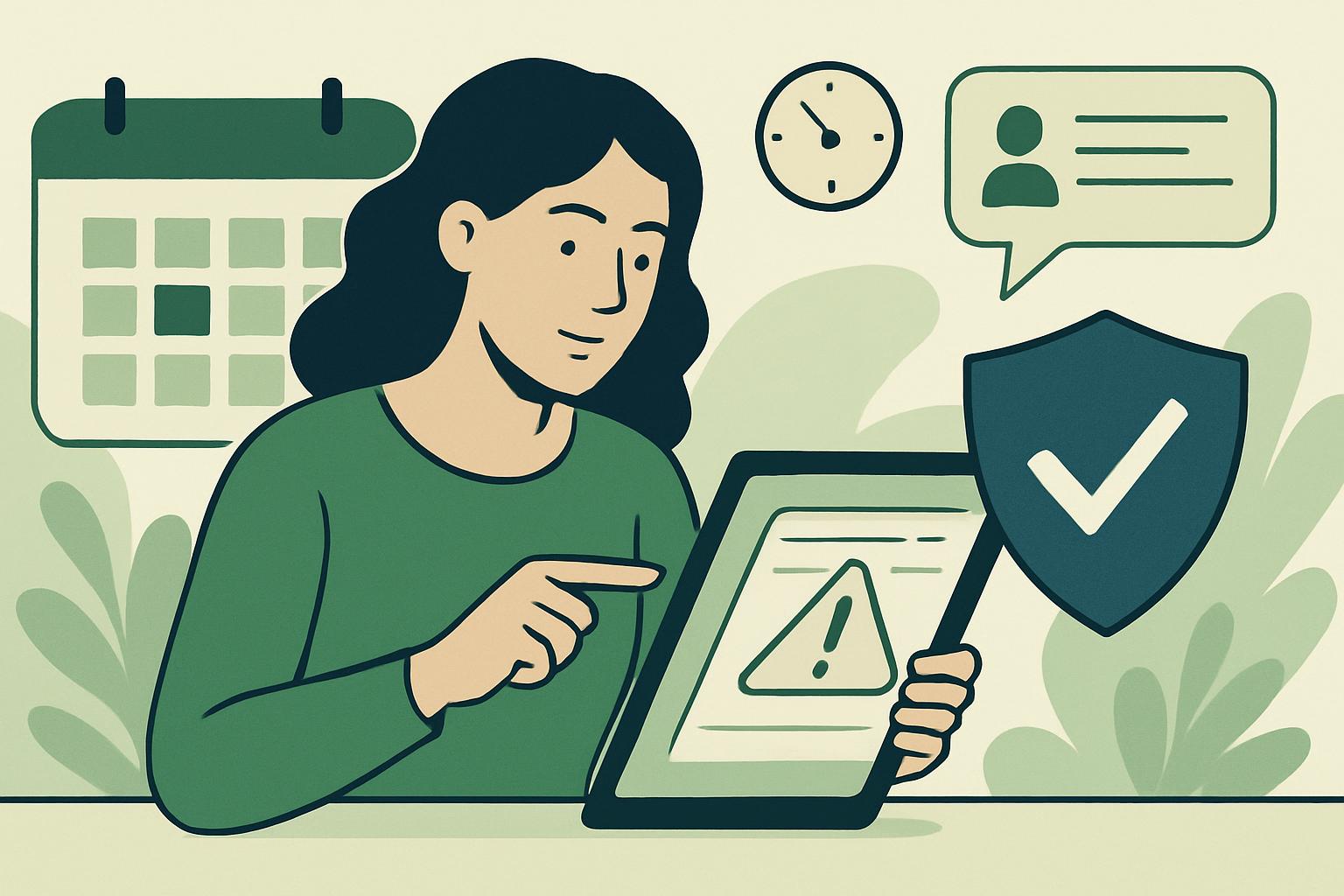
If you suddenly receive a calendar invitation from someone you do not recognize or for an event you did not expect, your first instinct may be to accept or respond out of curiosity. Before taking any action, pause and consider whether you were anticipating this request. Unexpected calendar invitations can be used by scammers to try to trick you into revealing personal information, clicking harmful links, or engaging with a fraudulent event.
Warning Signs to Watch For
Calendar invites, much like emails and texts, can display a number of red flags that suggest they may be part of a scam. Some warning signs include sender addresses that do not match the stated organization, urgent or intimidating language urging you to act quickly, requests for confidential information, links to unknown websites, or spelling and grammar mistakes within the invitation description. Even a professional-looking invite can be deceptive if it arrives unexpectedly or contains details that do not match your usual contacts or workflow.
Warning sign: You receive an invitation titled “Immediate Action Required: Account Verification,” sent from a generic email account, and it asks you to enter your login credentials through a provided link.
Safer action: Do not click any links or respond directly. Instead, independently contact the company through its official website or customer support to ask if the request is genuine.
How to Independently Verify a Suspicious Invitation
Verification is important whenever you encounter any message or invitation that feels out of the ordinary. Never use the contact information, attachments, or links provided directly within a suspicious invite. Instead, look up the official website of the business or individual supposedly sending the invitation. Use only trusted phone numbers or online portals to contact them. If the invite appears to refer to your workplace, check with a colleague or your IT department before taking further steps.
Warning sign: An event called “Payroll Update Meeting” appears on your calendar, but your employer has not mentioned any meeting, and the organizer’s address does not match your company’s email domain.
Safer action: Reach out to your human resources or IT team using your company’s verified contact channels to check if this event is legitimate before opening, accepting, or interacting with the invitation.
Stop Contact Safely
If you realize an invite is suspicious, do not reply or engage with the sender. Avoid opening attachments or following any hyperlinks in the message. Most calendar applications allow you to decline and delete unwanted events. Mark the invitation as spam if your calendar platform offers this option. This can help filter out future invitations from similar sources. If you are concerned the sender may continue to target you, review your calendar sharing and privacy settings to restrict who can send you invitations.
Protect Your Personal Information
Legitimate organizations will rarely, if ever, ask you to provide sensitive information such as passwords, payment details, or identification numbers via unsolicited calendar invitations. Any request for this information should prompt careful scrutiny and independent verification. Even if the request seems urgent or necessary, take the time to double-check with trusted sources. Never send personal information or payment details in response to an unverified calendar event.
Warning sign: A calendar invite entitled “Tax Audit Review” claims you must upload identification documents to a link in the description to avoid negative consequences.
Safer action: Do not upload or send any documents. Instead, independently contact the organization using details found on their official website to confirm the validity of the request.
Preventing Future Issues
Stay proactive by reviewing your email and calendar sharing settings regularly. Limit who can add events to your calendar or send you invites. Consider setting filters that help detect and block invitations from unknown sources. Remind friends, family, and colleagues to do the same, as awareness is a key defense against scam tactics. If a suspicious invitation leads to possible financial loss or the exposure of sensitive data, promptly contact your financial institution through official, trusted channels for guidance and next steps. While outcomes cannot be guaranteed, quick action can sometimes help lessen the impact.
You're Not Alone: Share and Learn in the ScamGator Community
Unexpected calendar invitations can be disorienting and stressful, but you are not alone in facing them. Online discussions or communities can be helpful spaces where members share experiences and learn about scam prevention. Use these resources to ask questions or read about others’ situations, but never post sensitive personal information in public forums. Empathy is important, anyone can be affected by a sophisticated scam, and discussion helps everyone stay alert.
Visit the ScamGator community to discuss scam awareness. Do not post private account details or personal information.
Visit the community