The ScamGator blog
How to Independently Verify an Online Rental Request: Protecting Yourself from Scams
Learn practical steps to verify online rental requests, recognize suspicious signs, and keep your personal information safe in the rental process.
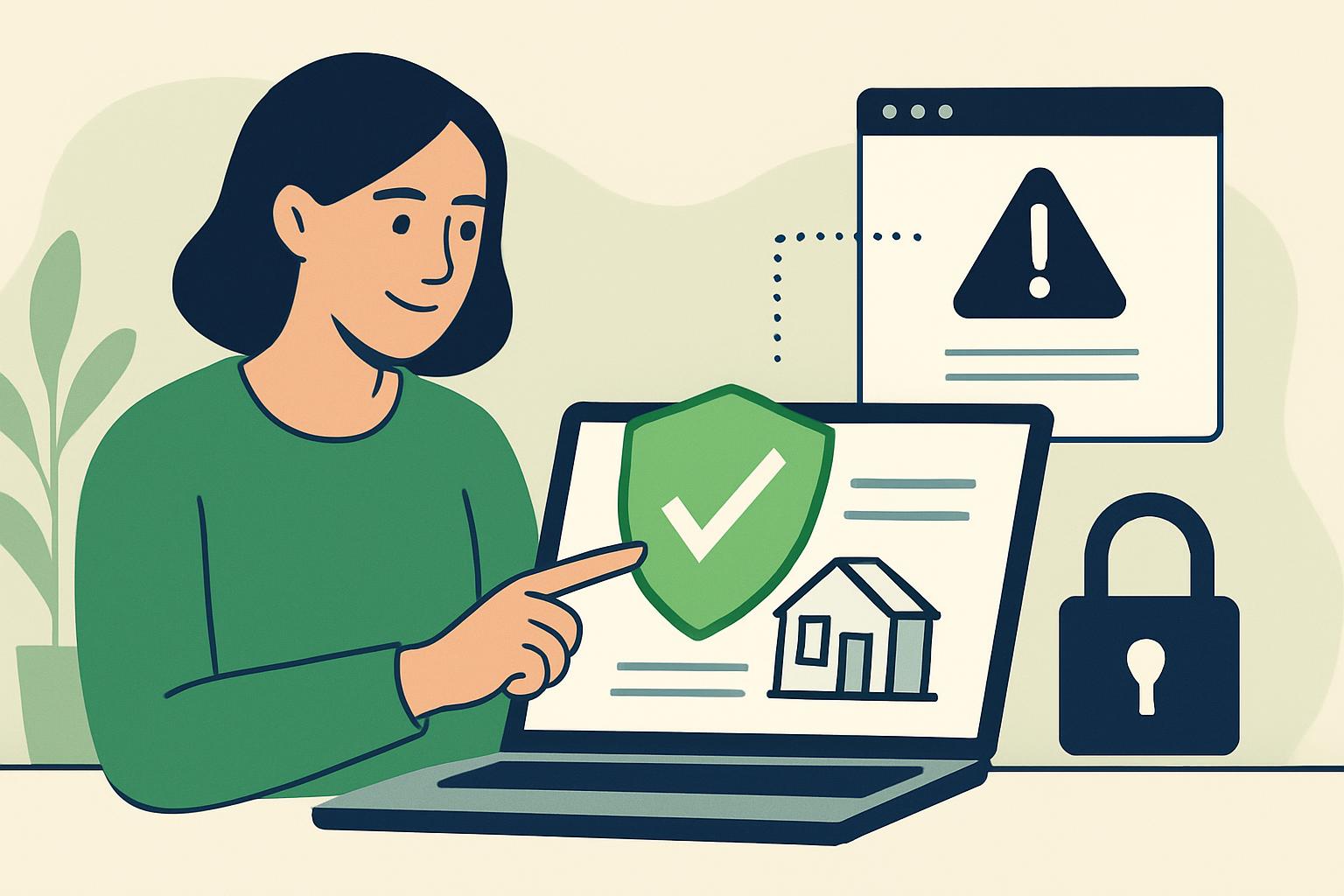
Start by Pausing and Assessing the Request
If you receive an online rental request, whether as a tenant, landlord, or roommate, it’s essential to pause and carefully assess the situation before taking any further steps. Fraudsters may create pressure by urging you to make quick decisions, provide personal information, or send payments upfront. Taking time to think and evaluate the message protects you from being rushed into a risky situation.
Common Warning Signs in Rental Communications
Watch for typical red flags in rental requests. Unexpected urgency, such as demands for immediate action or payment, is a common tactic to decrease your ability to think critically. Be alert to requests for sensitive personal or financial information, such as your full address, identification numbers, or bank details, especially early in the conversation. Spelling mistakes, blurry images, and generic language can also indicate a suspicious message. Messages that discourage you from using standard verification methods, like refusing in-person viewings or direct phone calls, are reasons to proceed with additional caution.
Warning sign: You’re told you must pay a deposit within hours to hold the rental, without an opportunity to visit the property or speak on the phone.
Safer action: Politely pause the conversation and suggest arranging an in-person viewing or a video call to discuss the rental further. Do not transfer funds or send personal documents until you verify the listing.
How to Independently Verify a Rental Request
Instead of relying solely on what’s sent to you, use independent methods to check the legitimacy of the rental and the person offering it. Search for the rental property using trusted real estate or rental platforms, not the links provided in the message. If a phone number or email address is provided, compare it with contact information shown on official or reputable websites.
Contact the building manager, property owner (using a public directory or official information), or a real estate agent through publicly listed channels, not the ones given in an unexpected message. Reverse image searching rental photos can also help you identify whether pictures are being reused from other listings. Remember to verify using sources you find yourself, not contacts sent in possibly suspicious messages.
Warning sign: An email from a supposed property manager arrives from a free, generic email service instead of a business email, and the message contains unusual grammar and generic greetings.
Safer action: Look up the property management company’s contact information independently and call them directly to ask about the listing. Do not respond to or click any links in the suspicious email.
Safe Ways to Stop or Exit a Suspicious Conversation
If anything feels off or you spot warning signs, it’s always your right to stop contact. You do not need to explain or apologize for pausing communication. Inform the other party you will not proceed until you have verified details or simply stop replying. Do not follow up using links or phone numbers received through the questionable message. Instead, go directly to official channels or reputable apps to review and manage messages.
Protect Your Personal and Financial Information
Never share confidential details, such as government ID numbers, full legal names, addresses, or bank account information, in response to an unexpected or unverified rental request. If a deposit or payment is requested, confirm the recipient’s identity independently using official, trusted sources. Avoid uploading or sending scans of your ID or personal documents until you are certain who you’re dealing with, and only after verifying that it’s necessary and secure.
Warning sign: You are asked to send a copy of your passport and banking information before discussing lease details or meeting anyone in person.
Safer action: Decline the request and state that you can provide necessary documentation only after independently verifying the listing and meeting in person or through a secure, reputable service.
What to Do if Financial Information May Have Been Exposed
If you think you have shared sensitive information or transferred funds in response to a suspicious rental request, contact your financial institution as soon as possible using their official phone number or website. They can advise on possible next steps or help protect your accounts. Do not use contact details provided by the person who sent the suspicious message.
Staying Safe and Seeking Support
It’s understandable to feel overwhelmed or worried when handling unexpected or urgent rental messages. Scammers use psychological tactics to pressure people into quick action. If something doesn’t feel right, trust your instincts and prioritize verification and your safety. Seek support from trusted friends or family when in doubt, but never post sensitive personal details when seeking advice.
Staying vigilant, slowing down, and relying on independent verification are your best tools to protect yourself from online rental fraud. For more guidance, check official resources and connect with trusted organizations for support.
Visit the ScamGator community to discuss scam awareness. Do not post private account details or personal information.
Visit the community