The ScamGator blog
A Safety Checklist for Handling Private Information Requests in Public Forums
Learn key steps to protect yourself when someone requests private information in a public online forum. Review warning signs, safe actions, and how to verify legitimacy.
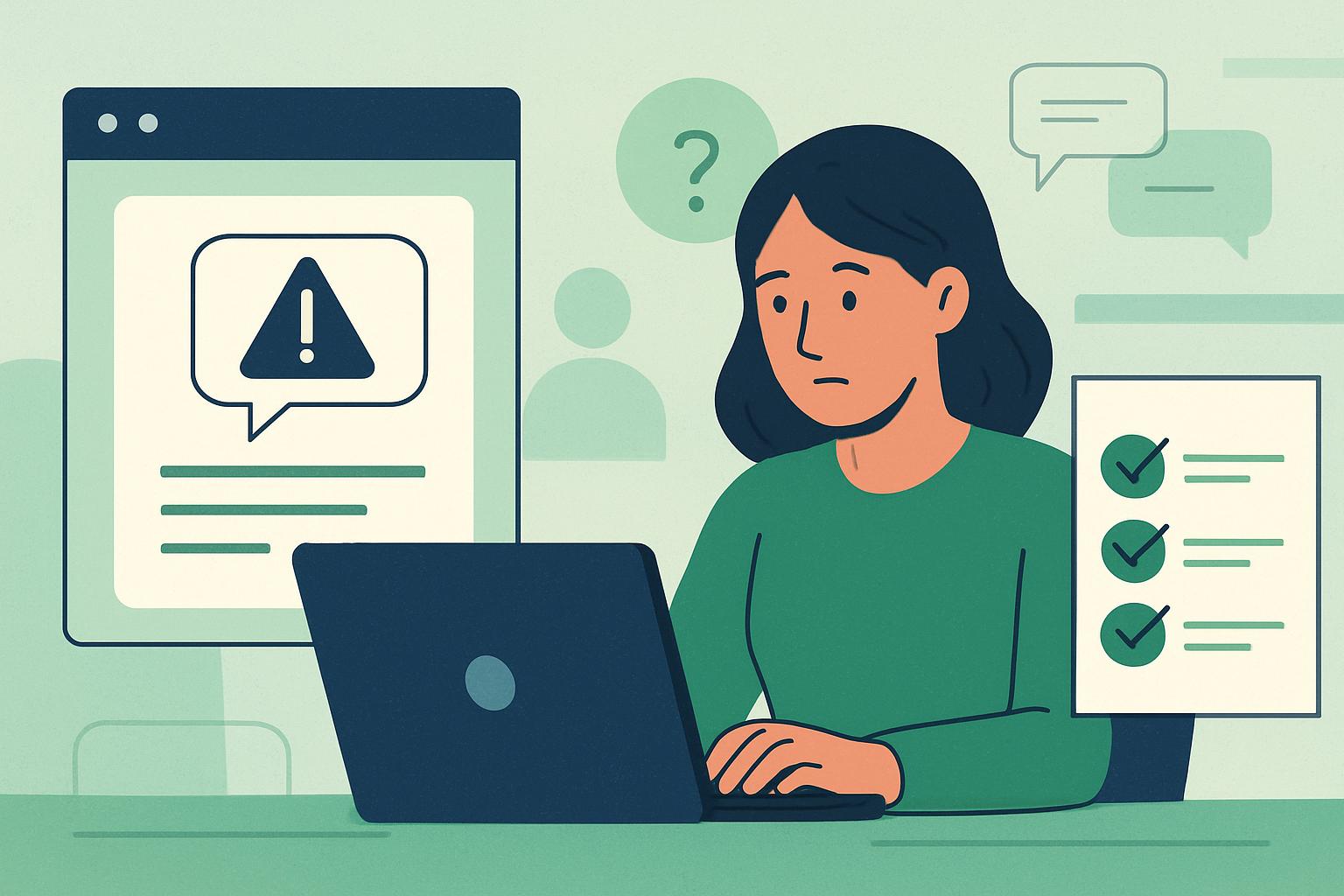
Start with Safety: Pause Before You Share
Receiving a request for private information, especially in a public forum, can be stressful. If you feel pressured or uncertain, pause before responding. Many people feel obligated to help or comply, especially if a message seems urgent or comes from someone familiar. However, even in trusted spaces, scammers can appear convincing. The best first step is to stop and consider whether sharing information is truly necessary or safe. Protecting your privacy is always a good reason to pause.
Spotting Warning Signs in Information Requests
Not every message that asks for personal details is a scam, but certain red flags should make you cautious. Scammers often:
- Ask for sensitive details like your full name, address, bank information, passwords, or identification numbers publicly or through direct messages.
- Use urgent language such as insisting on an immediate response or threatening consequences.
- Appear to be from an official organization, but use generic greetings, noticeable spelling or grammar mistakes, or unprofessional graphics.
- Ask you to click links or download attachments, claiming it is the only way to proceed.
Warning sign: "You must send your account login details right now or your membership will be suspended."
Safer action: Step back and independently verify, visit the official website directly or contact customer support through trusted channels. Avoid responding or clicking any provided links.
How to Independently Verify Messages
When in doubt, don't respond to the message directly. Instead, verify requests by:
- Contacting the organization or person through official means (such as a phone number or website you find yourself, not one provided in the suspicious message).
- Looking up the organization online to see if there are known scams or warnings involving similar requests.
- Asking the ScamGator community if others have received similar messages, but never share your personal details while doing so.
Warning sign: "As a forum moderator, I need your date of birth and ID number to confirm your account. Reply here with your details."
Safer action: Do not provide sensitive information in public threads or private messages. Search for the forum's official contact options to ask if this is a legitimate requirement.
Steps to Safely Stop Contact
If you suspect the request is suspicious, it is okay to ignore or politely decline without explanation. You have the right to protect your information. Do not feel pressured by urgency or claims of authority. Most legitimate organizations will support your decision to confirm their request independently.
If you’ve already replied but now have doubts, consider changing any passwords you provided, and contact the associated organization through their official website or hotline for further guidance.
Avoid Exposing Personal Information on Forums
Public forums are open to a large audience, including people with malicious intent. Never share private data in posts, replies, or direct messages unless you are absolutely sure who is requesting and why. When in doubt, keep information like banking details, identification numbers, and passwords private. Avoid sharing details that could be used for identity theft or phishing.
Warning sign: "Congratulations, you’ve won a prize! Just share your banking info in this thread to claim."
Safer action: Ignore the request. Legitimate organizations do not require banking details over public forums to send a prize. Double-check the legitimacy through official websites or channels.
What If You Suspect a Scam or Possible Financial Loss?
If you think you may have shared sensitive information by mistake, act quickly. Contact your bank or the relevant institution promptly using a trusted phone number or website and inform them of the situation. Acting fast can help reduce the risk of identity theft or unauthorized transactions. Avoid clicking suspicious links or providing further information to the requester.
Community Support and Further Resources
ScamGator encourages open discussion and community education about online safety, but remember to protect your own privacy in every post and response. Avoid posting any personal or financial information on the forum. For more official guidance, consult the resources available through recognized organizations or support services.
Staying vigilant in public forums is a shared responsibility. Don’t hesitate to ask for second opinions or support in the ScamGator discussion community, but always take steps to independently verify requests and protect your privacy.
Visit the ScamGator community to discuss scam awareness. Do not post private account details or personal information.
Visit the community